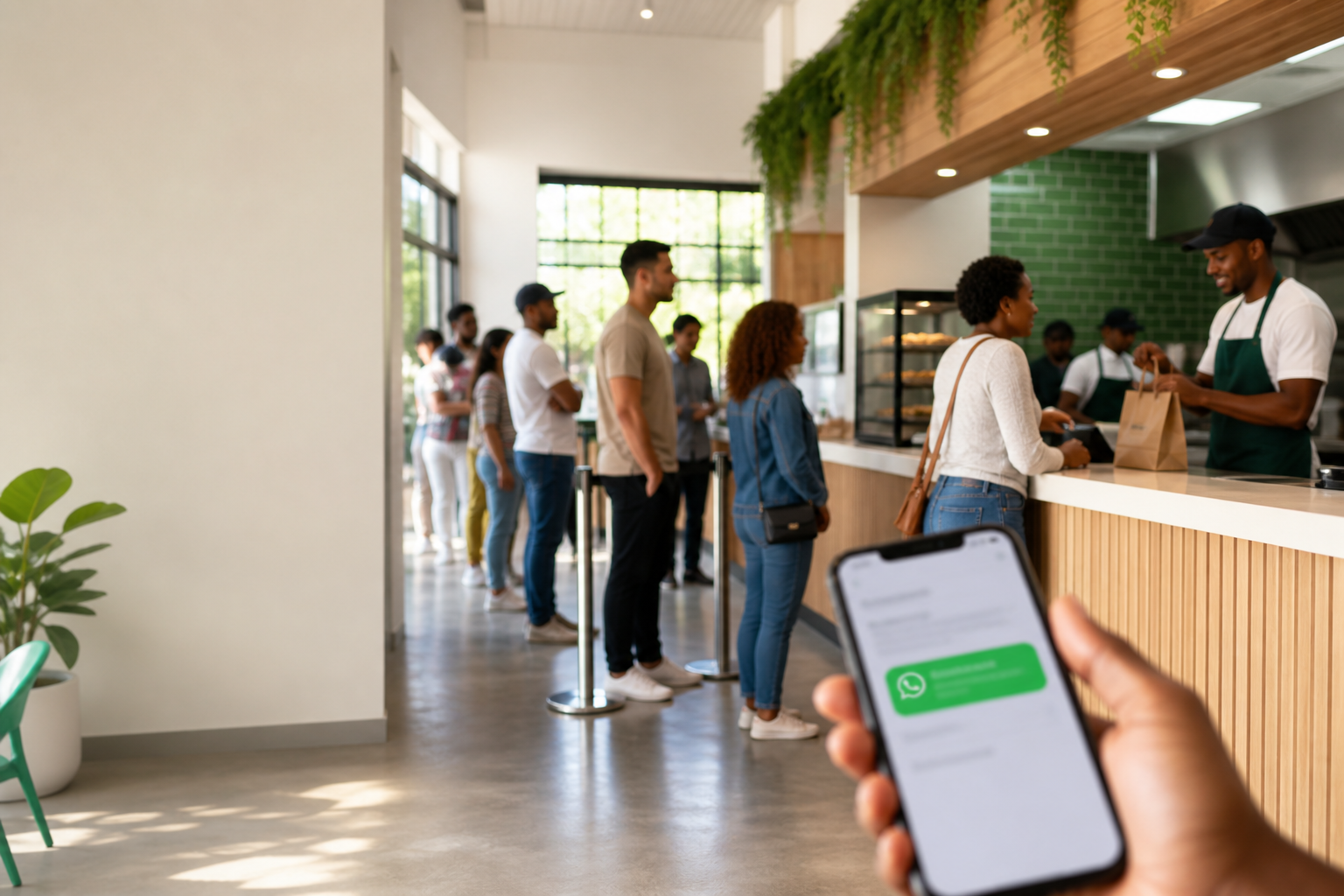
Why did the queue break up with the counter? Too much waiting, not enough serving.
A queue management system is how you get the next person helped without a scrum at the till. Every venue already has one — even if it is a notebook and a loud voice. The question is whether yours still works on your busiest hour.
This guide helps you audit what you have, compare options honestly, and pick something that fits your peak — not a brochure of buzzwords.
The four jobs every queue must do
Every working system handles the same four steps:
- Join — the customer is on the list (ticket, name, queue number, or QR scan).
- Wait — they can stand aside, sit, or leave without losing their place.
- Notify — something tells them it is their turn without shouting across a frying pan.
- Serve — staff match that person to the order, table, or room.
If join is slow, the line starts at the door. If wait has no feedback, people hover and ask “how much longer?” every three minutes. If notify fails in a noisy takeaway, food goes cold while someone is in the car park. Fix the weakest step first — the rest usually follows.
Audit your current queue in 15 minutes
Stand at the counter during a busy period and note:
- How long from join to first acknowledgment (ticket, name on list, or “we’ve got you”)?
- How many people block the till while waiting?
- How often staff lose track of who is next?
- How many walk away because they feel forgotten?
- What happens when someone steps outside — do they miss their turn?
If two or more answers are painful, you have outgrown paper or shouting. If only one step fails, fix that step before buying new kit.
When paper is enough (and when it is not)
You probably do not need software if:
- One person can see the entire wait at all times
- The rush lasts less than an hour and stays predictable
- Mistakes are rare and cheap (wrong order, not lost customer)
You do need a clearer system when:
- People leave because they think you forgot them
- Guests spill onto the pavement or block the counter
- Staff argue about who is next
- You keep buying, charging, or replacing hardware
- Privacy matters — calling full names in public is awkward for everyone
Types, compared honestly
Paper tickets / handwritten lists Cheap and fast to start. Falls apart when two staff write at once, names get crossed out until no one knows who is next, or the lunch rush doubles in size. Fine for low, steady volume.
“Now serving” screens Good when everyone sits in one room and watches the board. Weak when guests wander off — they still miss the number if they are not looking.
Coaster pagers / restaurant buzzers Guests can wait outside. The hidden bill: chargers, sanitising, lost units, and a storeroom full of “spares” that are not spare. If pagers are your pain point, a WhatsApp virtual queue is often the next step.
Shouted names or numbers No kit required. Easy to miss at 13:00 in a noisy takeaway. Shouting names also puts everyone within earshot on the spot.
Guest apps or SMS Apps cause drop-off — nobody installs software for an eight-minute wait. SMS works but adds per-message cost that adds up at peak.
Virtual queue (QR + WhatsApp) Staff add the customer to a dashboard list. A QR code is generated for that queue entry; the customer scans it on their phone to link WhatsApp. When ready, staff send a one-tap notification. No charging drawer, no app download. In South Africa, WhatsApp is usually already on the phone in their pocket.
That is the model behind Qbuzz.
How to choose: a short checklist
- Venue type — Collection counters, table waits, and consulting rooms fail in different ways.
- Peak volume — Count a real Friday, not a quiet Tuesday.
- Do guests keep a phone on them? — If yes, WhatsApp notify is straightforward.
- Hardware cost over a year — Include replacements, cleaning time, and lost units.
- Staff changeover — Can a new cashier run it after one lunch shift without a manual?
- Connectivity — What happens when the till Wi‑Fi drops? Plan the same way you plan for card payments.
Write the answers down. The type that fits those answers is the right system. The brand comes after.
Mistakes that waste money
- Making guests install an app for a short wait — Most walk-in customers won't. Drop-off at join means the queue never really starts.
- Sending "ready" before the handoff is ready — Ping when the bag is sealed or the table is set, not when the ticket hits the kitchen. Early alerts bring everyone back to the counter too soon.
- Letting customers leave before WhatsApp is linked — If they skip the QR scan, there is no alert to send later. Confirm the scan at join before they walk off.
- Buying hardware on the sticker price alone — Pagers and ticket dispensers look affordable until you add replacements, cleaning, lost units, and the staff time to manage them.
- Testing on a quiet Tuesday, going live on Friday — If the team has not run the system under real peak pressure, they will revert to shouting the moment it gets hectic.
FAQ
What is a queue management system?
It is how you organise waiting customers: they join a list, wait without blocking the counter, get told when it is their turn, then get served. That can be paper, pagers, a screen, or a WhatsApp message triggered from a staff dashboard.
Do I need software if I am only busy at lunch?
Not always. A paper list works when one person can see the whole wait and the rush is short. You need a clearer system when people leave because they feel forgotten, staff lose track of order, or hardware keeps breaking.
Should customers download an app to join the queue?
Usually no. Most walk-in guests will not install an app for a short wait. A generated QR code that links to WhatsApp works better in South Africa than a dedicated guest app.
Are coaster buzzers a queue management system?
Yes — a hardware one. Staff hand out a pager and buzz it when ready. It works until you count charging, cleaning, lost units, and replacements over a full year.
Whatever you pick, the test is the same: can a stranger join in under a minute, wait without blocking the till, and know when to come back — on your busiest hour, not in the demo.
If plastic buzzers are the pain, see how Qbuzz works and pricing.